replacemybgPricingTry it free

Change the background. Never the product.

ReplaceMyBG cuts out your product, car or portrait and keeps its original pixels exactly as you shot them. Only what is behind it changes: transparent, a colour, a blur, a photo, or a scene painted by AI.

A real recording of the app. Waits are sped up.

Sign in

Welcome back. Sign in to replace backgrounds.

New here?
New background. Same product.

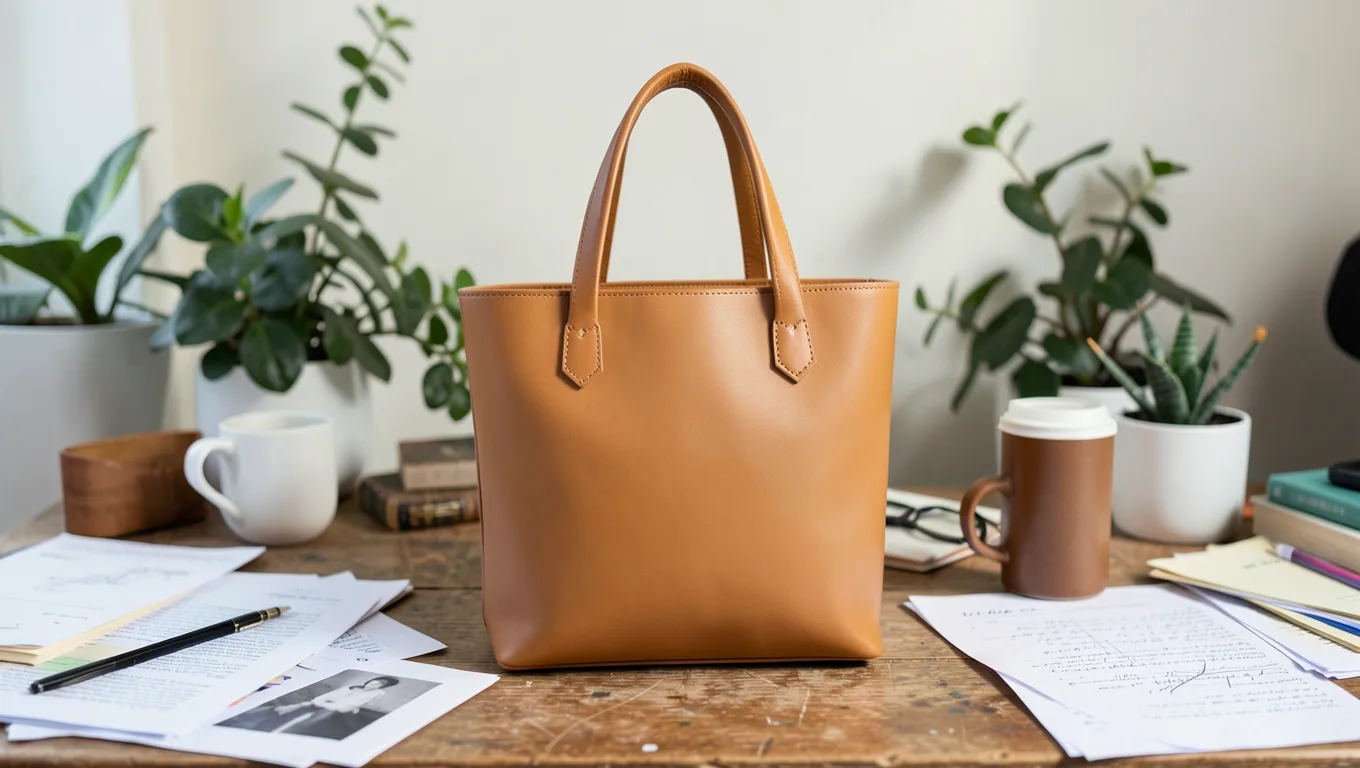
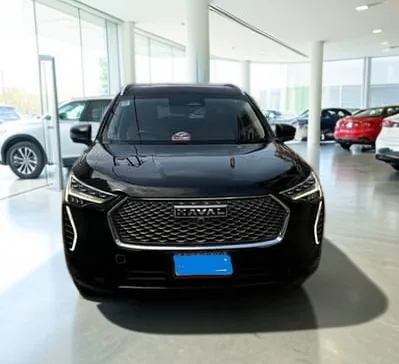
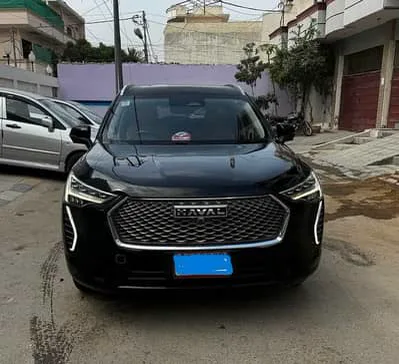
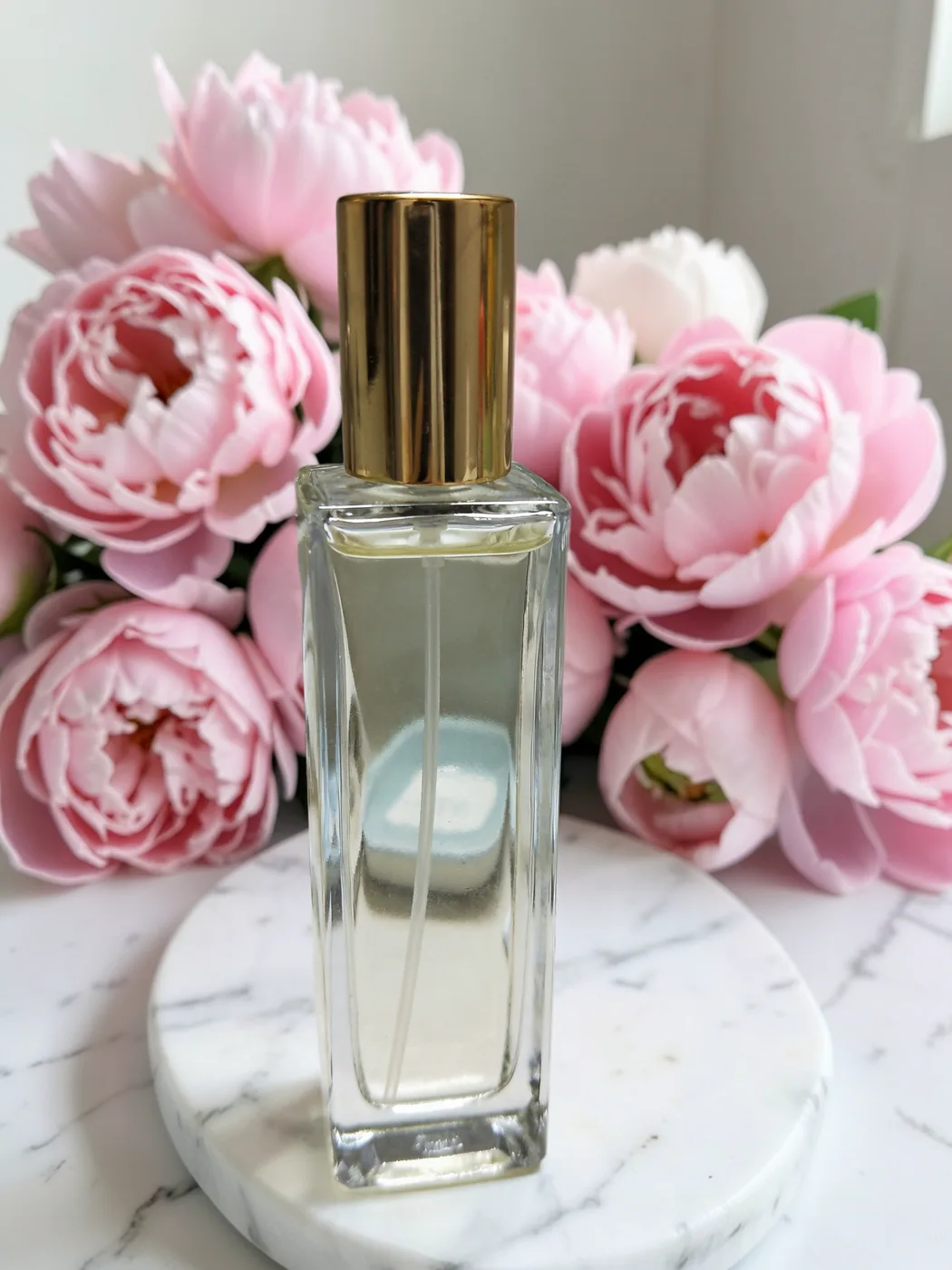
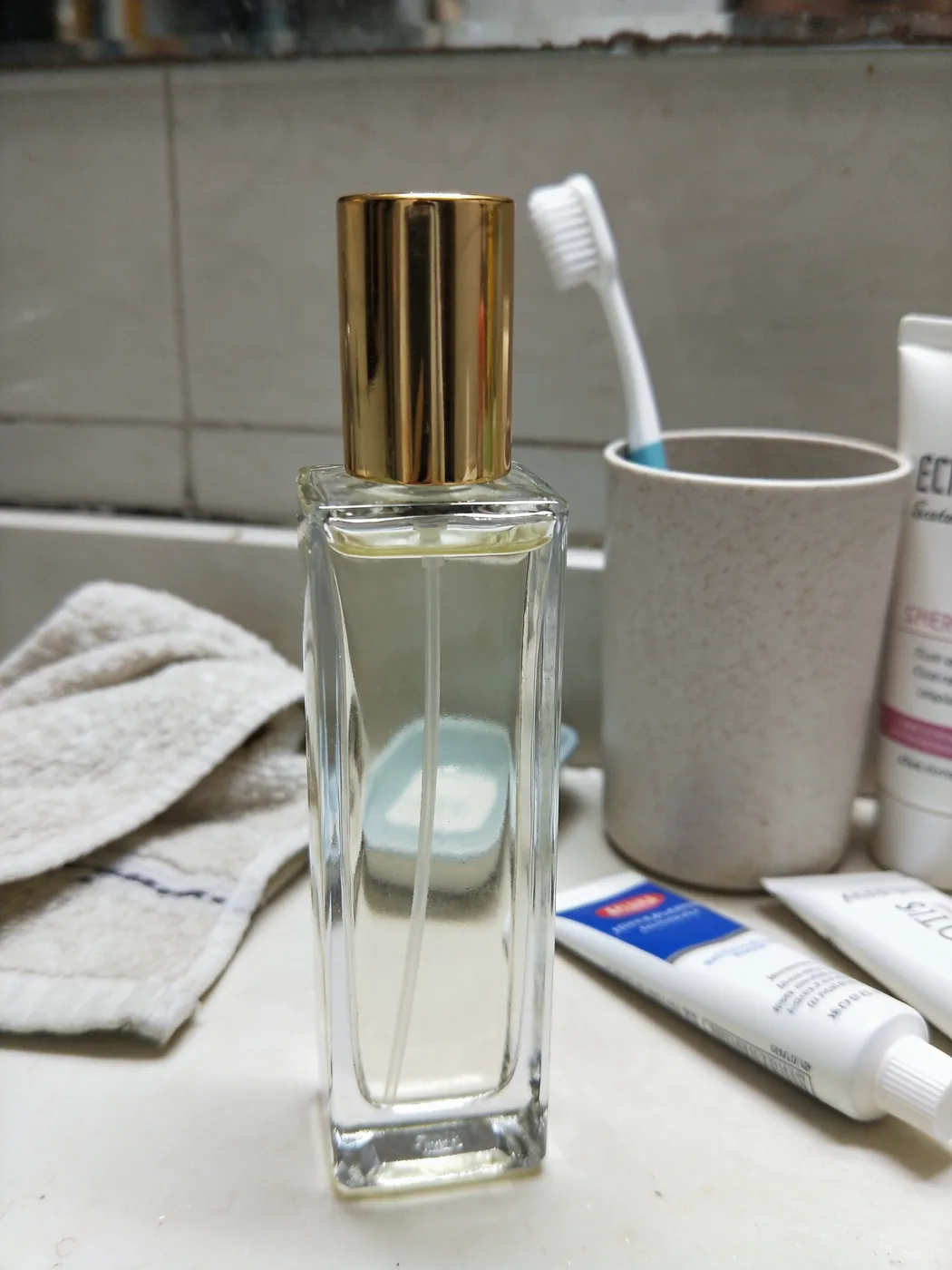
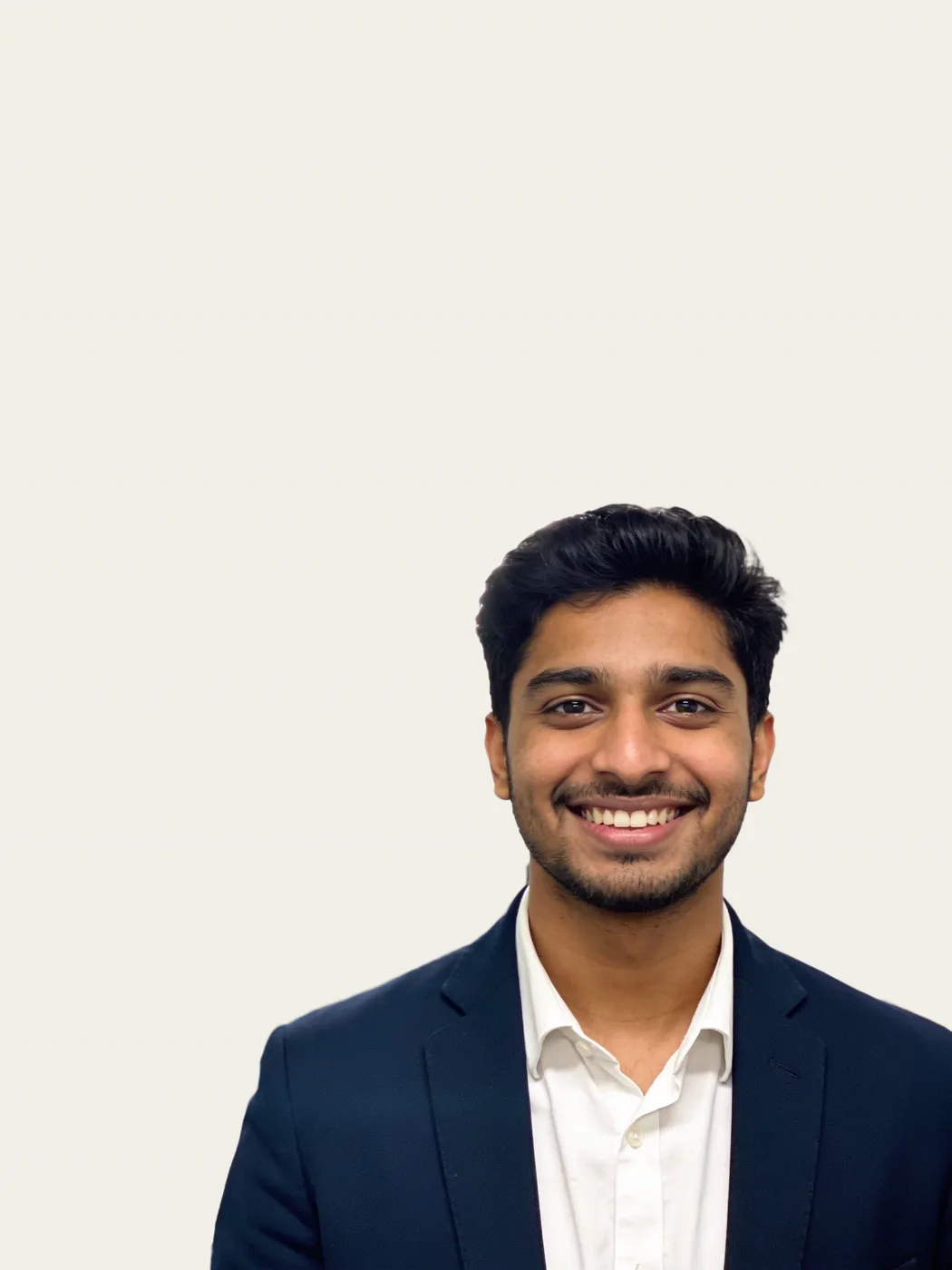
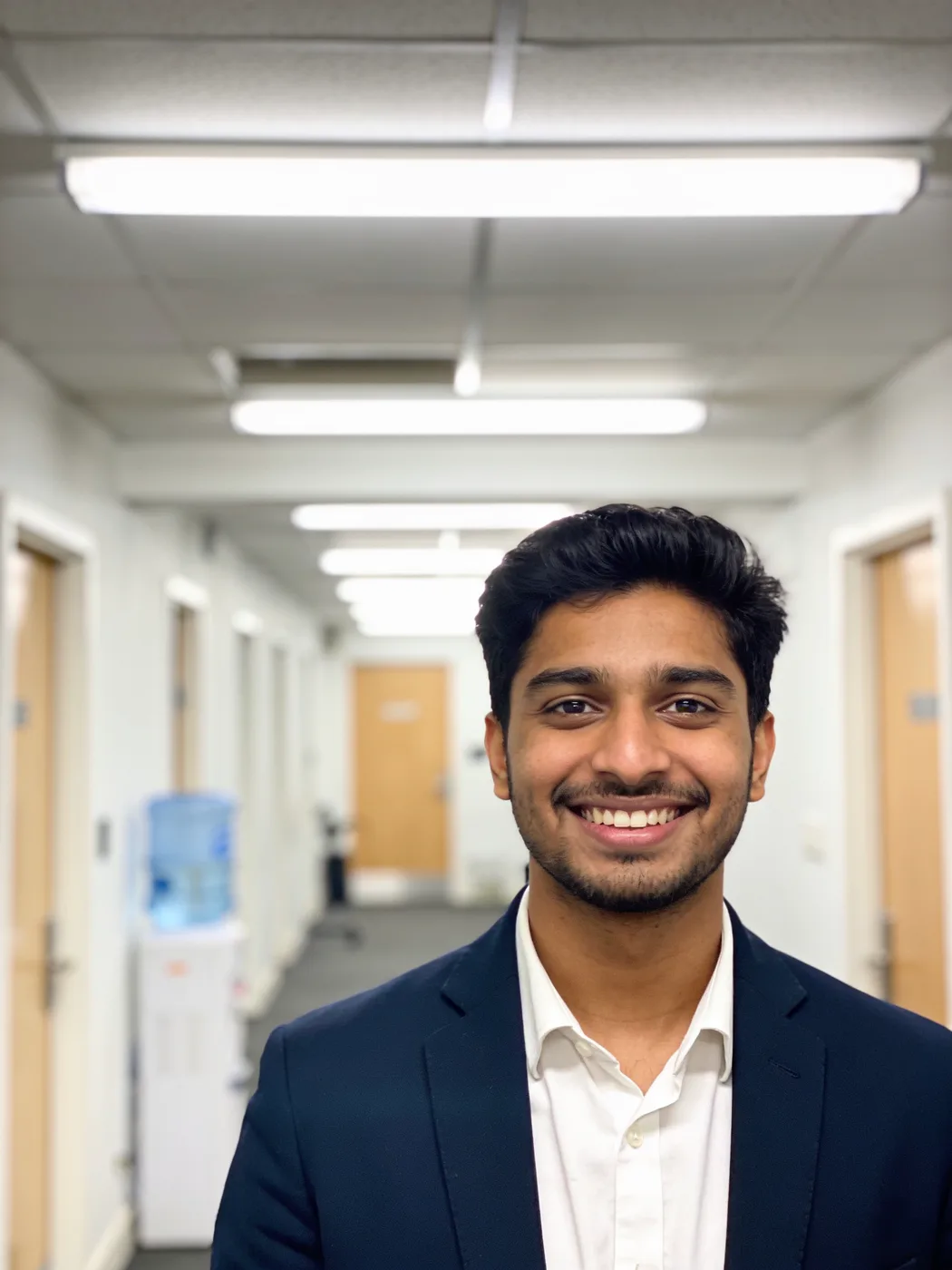
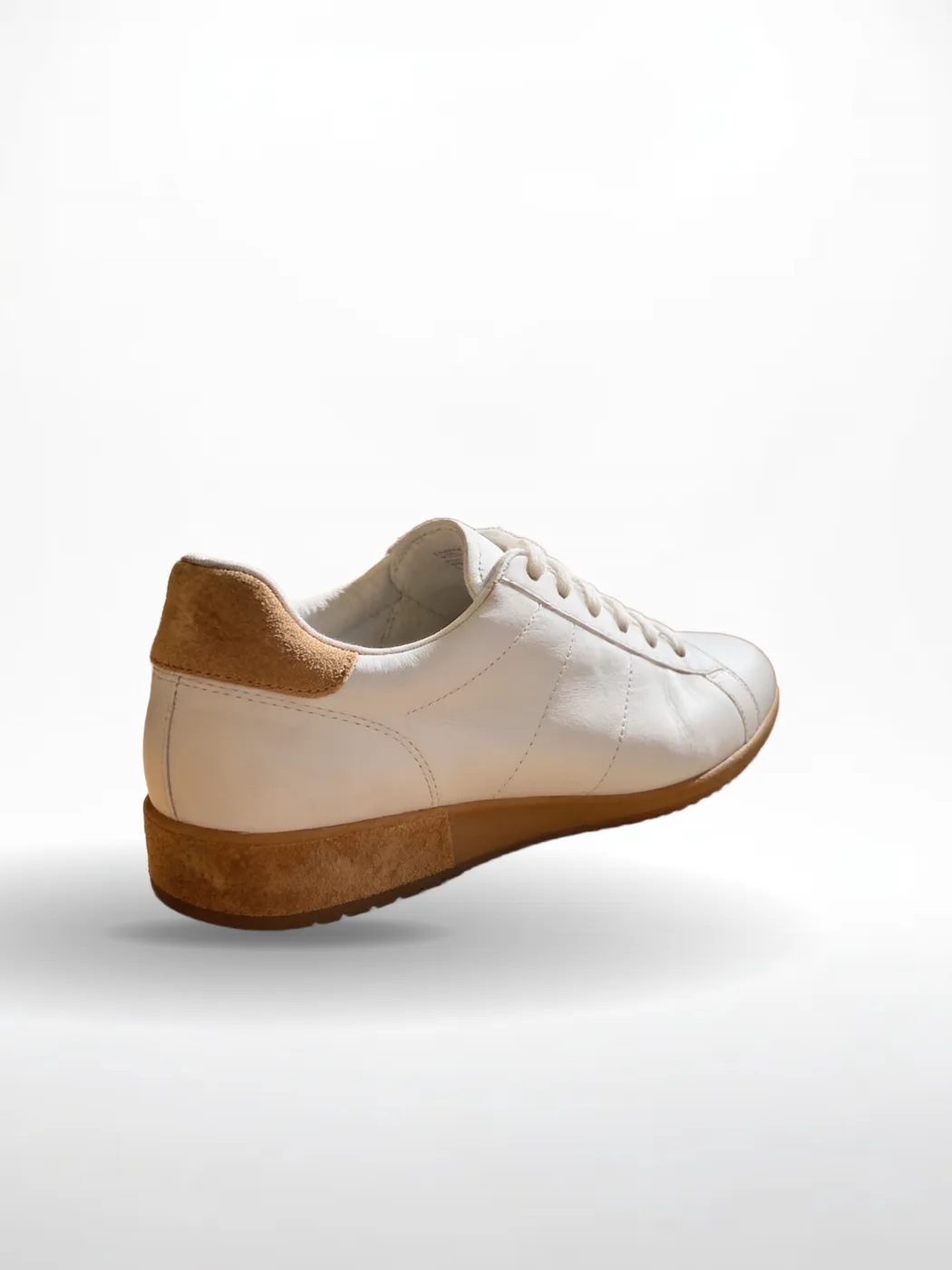
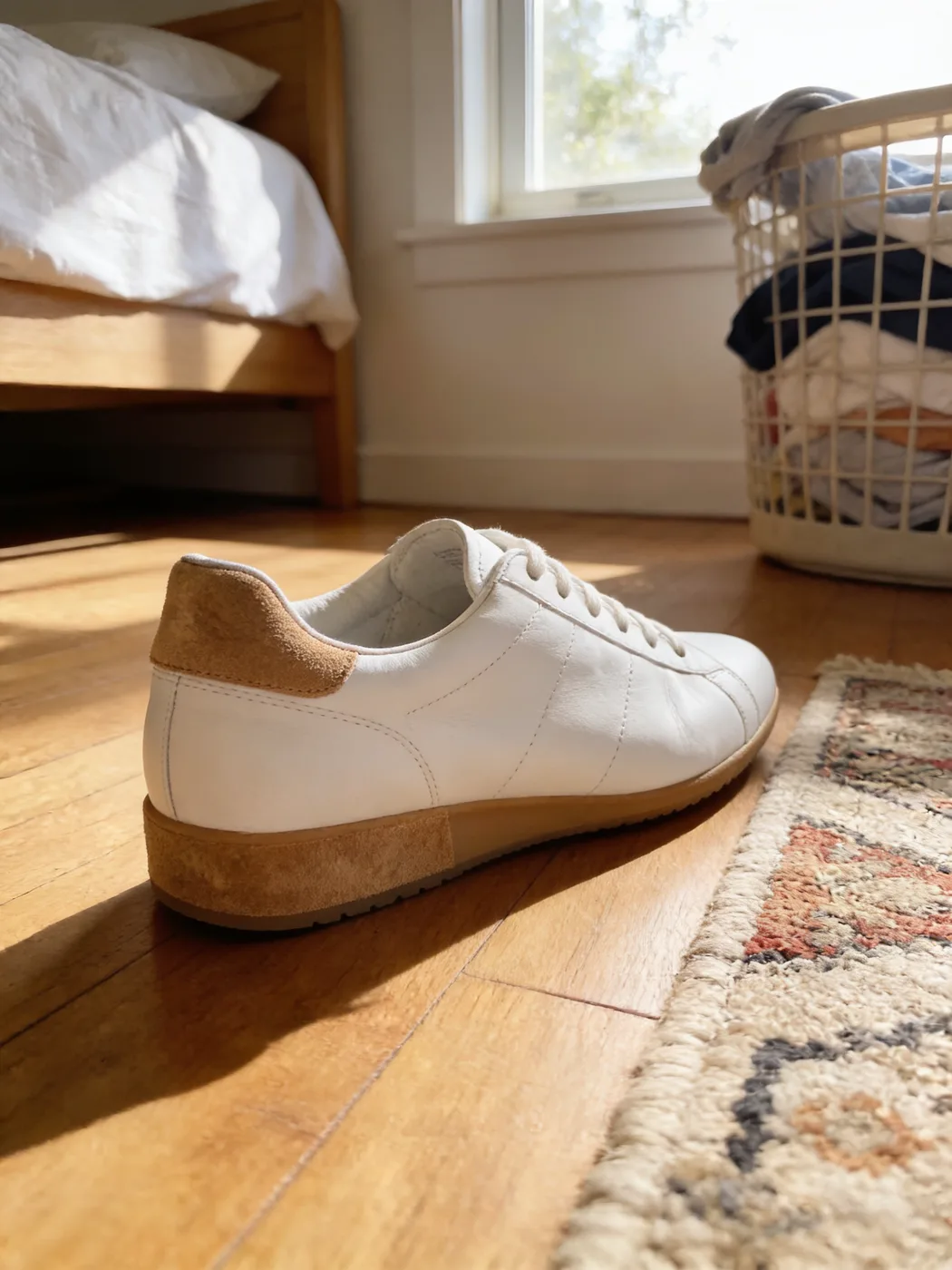
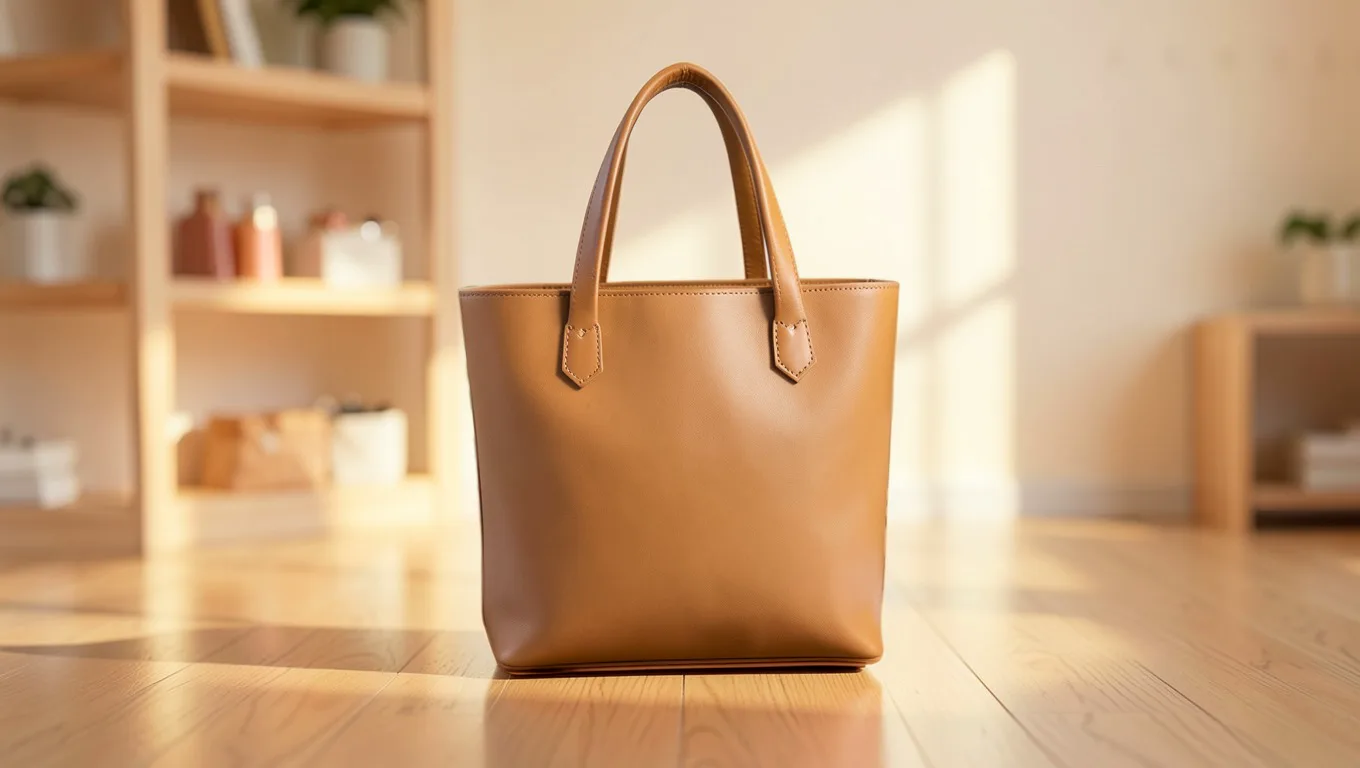
Real results from the app. Slide across each one: the bag, the car, the bottle, the person and the shoe are the original photos, pixel for pixel. Only what is behind them is new.

The same tote bag, unchanged, on a sunlit boutique shelf made by AIA tan leather tote bag on a cluttered desk with papers, mugs and plants
OriginalNew background
AI scene: “a warm sunlit boutique shelf, soft cream wall, wooden floor”. The object itself is the original photo, untouched.
  • The same SUV, unchanged, inside a bright car showroom made by AIA black SUV parked on a residential street
    OriginalNew background
    AI scene: “a bright modern car showroom with a polished concrete floor”. The object itself is the original photo, untouched.
    Car photos: how it works
  • The same perfume bottle, unchanged, on a marble pedestal with pink peonies made by AIA glass perfume bottle on a cluttered bathroom counter
    OriginalNew background
    AI scene: “a white marble pedestal with soft pink peonies”. The object itself is the original photo, untouched.
    AI backgrounds: how it works
  • The same portrait, unchanged, on a plain cream backgroundA man in a navy blazer photographed in an office corridor
    OriginalNew background
    Colour: a plain cream background. The object itself is the original photo, untouched.
    Headshots: how it works
  • The same sneaker, unchanged, on a white studio background with a soft floor shadowA white sneaker on a wooden bedroom floor next to a rug
    OriginalNew background
    Photo: white studio, with a floor shadow. The object itself is the original photo, untouched.
    Product photos: how it works

Why the product never changes

Many AI tools generate the whole picture again, which can quietly alter a logo, a label, a colour or a face. ReplaceMyBG generates only the background.

  1. 1

    Your subject is cut out

    The product, car or person is separated from its background, down to fine edges like hair. You can touch up any edge with a brush.

  2. 2

    Only the background is made

    Pick transparent, a colour, a blur or a photo, or describe a place and let AI paint it, with light and a shadow to match.

  3. 3

    Your original goes back on top

    The original photo is laid over the new background through the cut-out. The AI never redraws the subject, so logos, labels, colours and faces stay exactly as shot.

Start free. Pay for what you make.

Every new account gets 5 cutouts and 3 AI scenes free. After that, choose a plan or top up with credits. Launch offer: 80% off your first month on any monthly plan, or save up to 36% by paying yearly.

Free

$0

5 background removals and 3 AI backgrounds, once, when you confirm your email.

  • Photo cutouts, colours, blur and backdrops
  • AI scenes and shadows
  • Video background removal
  • Batches of up to 50 photos or 10 videos

Starter

$4$5.99/ month

Billed $48 a year, saving $23.88.

600 credits a month

Up to 600 background removals, or up to 300 photos with AI backgrounds. Mix them as you like.

  • Photo cutouts, colours, blur and backdrops
  • AI scenes and shadows
  • Video background removal
  • Batches of up to 50 photos or 10 videos

Pro

$7$10.99/ month

Billed $84 a year, saving $47.88.

2,000 credits a month

Up to 2,000 background removals, or up to 1,000 photos with AI backgrounds. Mix them as you like.

  • Photo cutouts, colours, blur and backdrops
  • AI scenes and shadows
  • Video background removal
  • Batches of up to 50 photos or 10 videos

Need more credits?

Top up on any plan. Bought credits never expire and are used after your monthly ones.

Removing a background uses 1 credit, and an AI background 1 more, so a photo with an AI background uses 2. Trying another AI background on the same photo uses 1. A video uses 1 credit for every 2 seconds. Opening a photo again, switching it to a colour, blur or photo background, changing the shadow, and downloading are free. Anything that fails is refunded automatically. Payments aren’t refundable except for billing errors; see the refund policy.

Questions

What is ReplaceMyBG?

ReplaceMyBG is a low-cost web app that removes and replaces the background of product photos, car photos, portraits and short videos. It cuts the subject out, then puts it on a transparent, colour, photo or AI-generated background without redrawing the subject. It runs in the browser, with no install.

Does the AI change my product?

No. ReplaceMyBG cuts your subject out, lets the AI paint only the background, then puts your original pixels back on top. The shape, colours, logos, labels and text are exactly as you photographed them.

How is ReplaceMyBG different from other AI background tools?

Many AI tools regenerate the whole picture, which can alter the product, its logo or a person’s face. ReplaceMyBG only generates the background and keeps the subject’s original pixels, so the result is faithful to what you photographed.

What backgrounds can I use?

Transparent, any colour, a blur of the original, ready-made photos such as studio, marble or beach, or a new scene painted by AI from your description or a reference photo.

Is it free to try?

Yes. Every new account gets 5 cutouts and 3 AI scenes free. After that, plans start at $5.99 a month for 600 credits: up to 600 background removals or 300 photos with AI backgrounds. Credit packs never expire.

Do I need to install anything?

No. ReplaceMyBG runs in the browser on phones, tablets and computers.

Are my photos private?

Yes. Only you can see your photos and videos. They are processed by our own AI models, never an outside AI service, never used for training, and deleted after 30 days.