A clean headshot from a photo taken anywhere
Corridors, kitchens and car parks make poor backdrops. ReplaceMyBG puts you on a plain colour, a soft blur or a studio background in a few taps, for LinkedIn, a CV, a team page or a speaker bio.
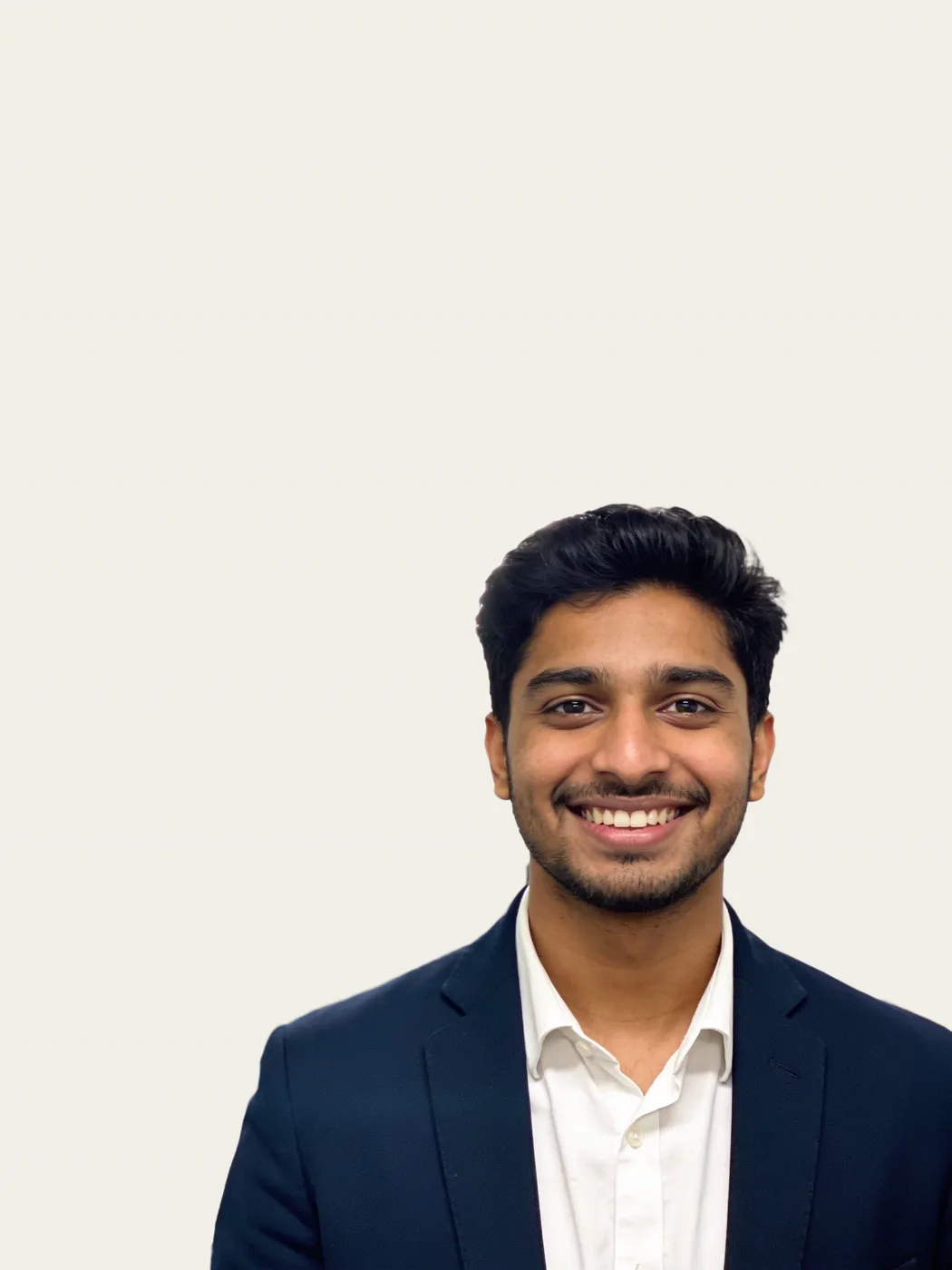
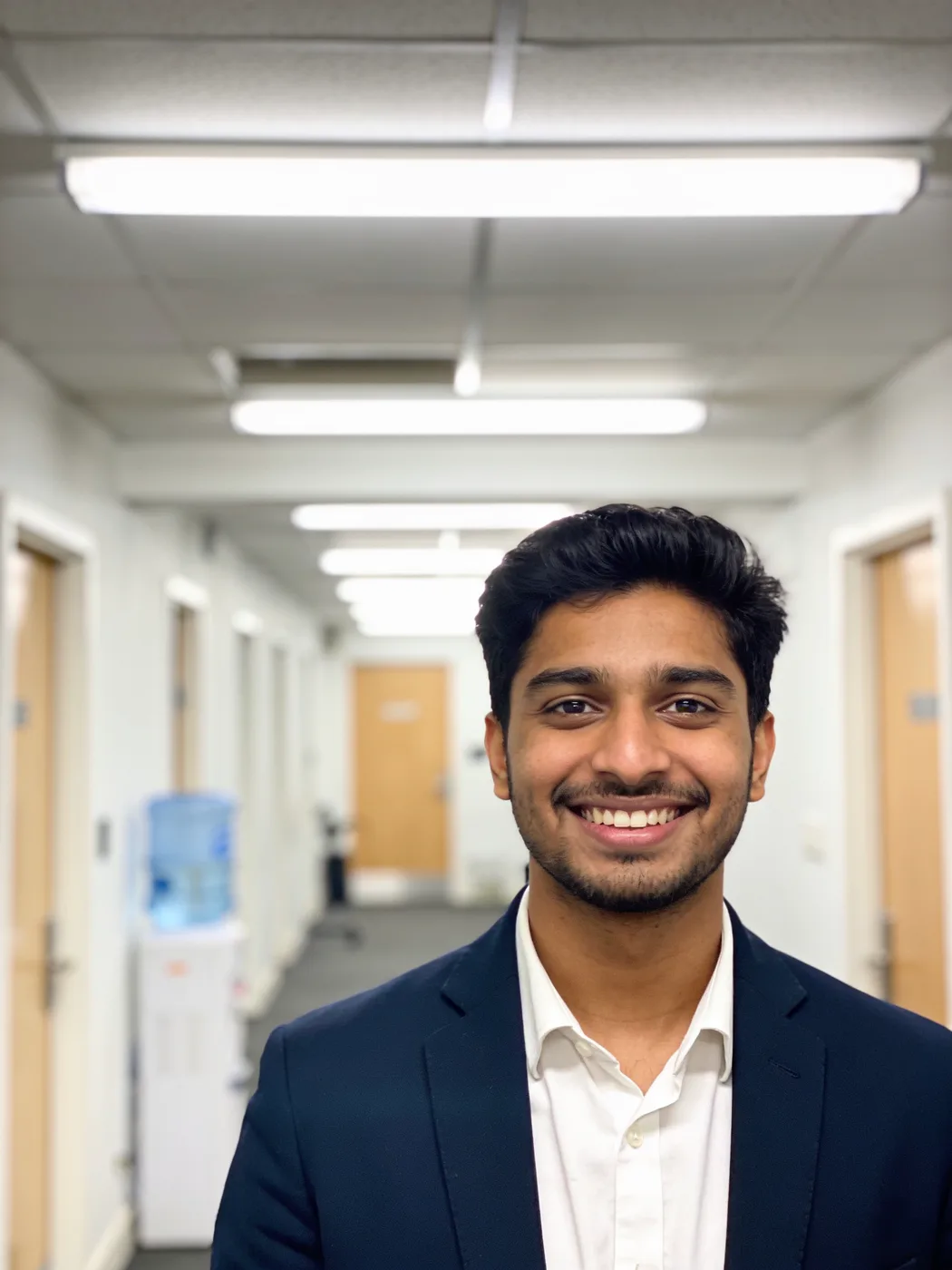
You stay you
Some AI headshot tools generate a new face. ReplaceMyBG never touches the person: your face, hair, skin and clothes are the original pixels, and only what is behind you changes.
Backgrounds that suit a headshot
The most common choices are:
- a plain light grey, cream or blue
- your company colour
- a soft blur of the original background
- a bright office or studio scene made by AI
Questions
Will it change my face?
No. Your face and clothes are cut out and kept as the original pixels; only the background is replaced.
Can I use my company’s exact colour?
Yes. Choose Colour and use the colour picker to set any colour.
Does it work with hair?
Yes. The cut-out follows fine hair, and the Refine brushes let you adjust any edge.
Change the background. Never the product.
Every approved account gets 5 cutouts and 1 AI scene free. It runs in the browser on your phone or computer.
Create a free accountMore ways to use it
- Product photosPut any product photo on a white studio, a colour or an AI-made scene. Your product keeps its original pixels: no redrawn logos, labels or colours.
- Car photosPut a car photographed on the street into a clean showroom or studio. The car stays exactly as it is: same paint, badges, wheels and plates.
- AI backgroundsDescribe a scene and AI paints it behind your subject. Unlike tools that redraw the whole image, your subject keeps its original pixels.
- Remove backgroundRemove the background from a photo and save a transparent PNG at full resolution. Clean edges down to single hairs, with a brush to touch up.
- Video backgroundsRemove the background from a video up to 60 seconds: transparent, green screen, a colour, blur or a new backdrop. The subject is never redrawn.