Change a product photo’s background without changing the product
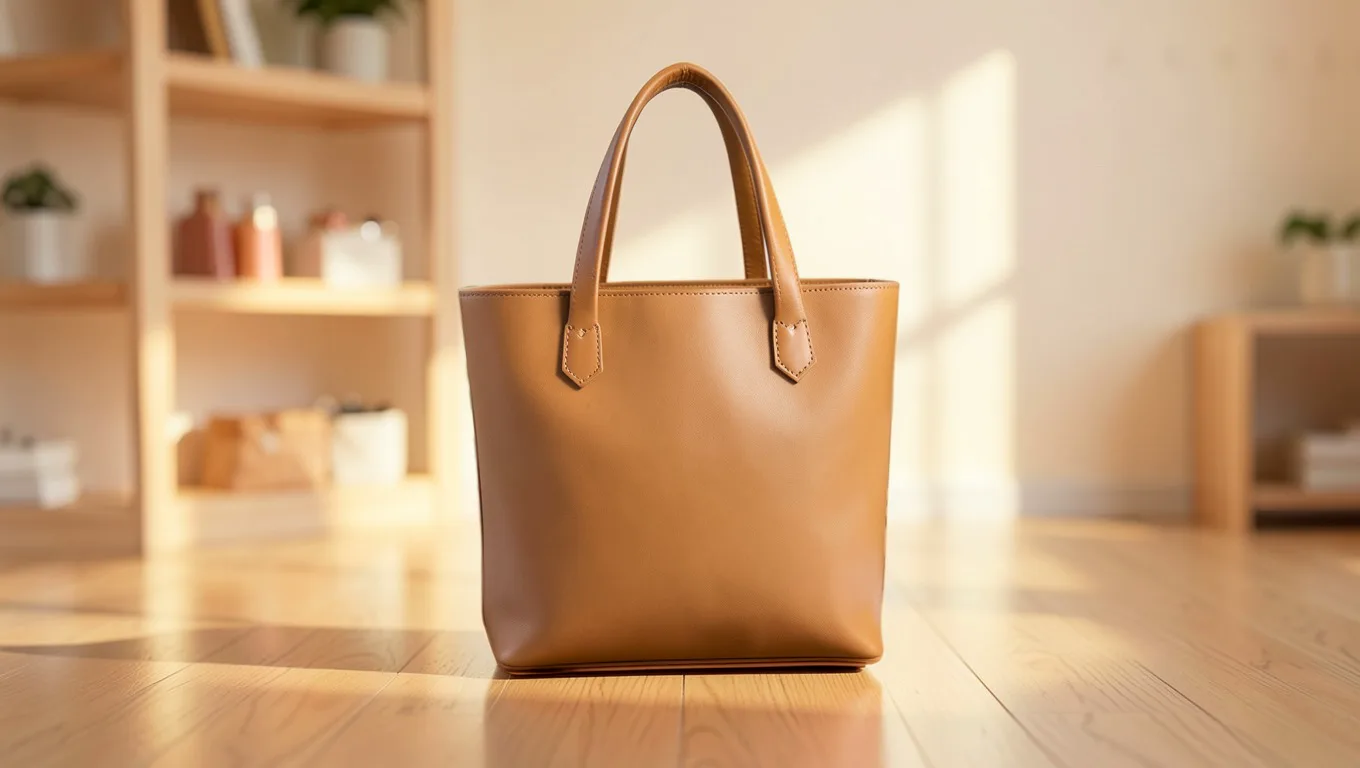
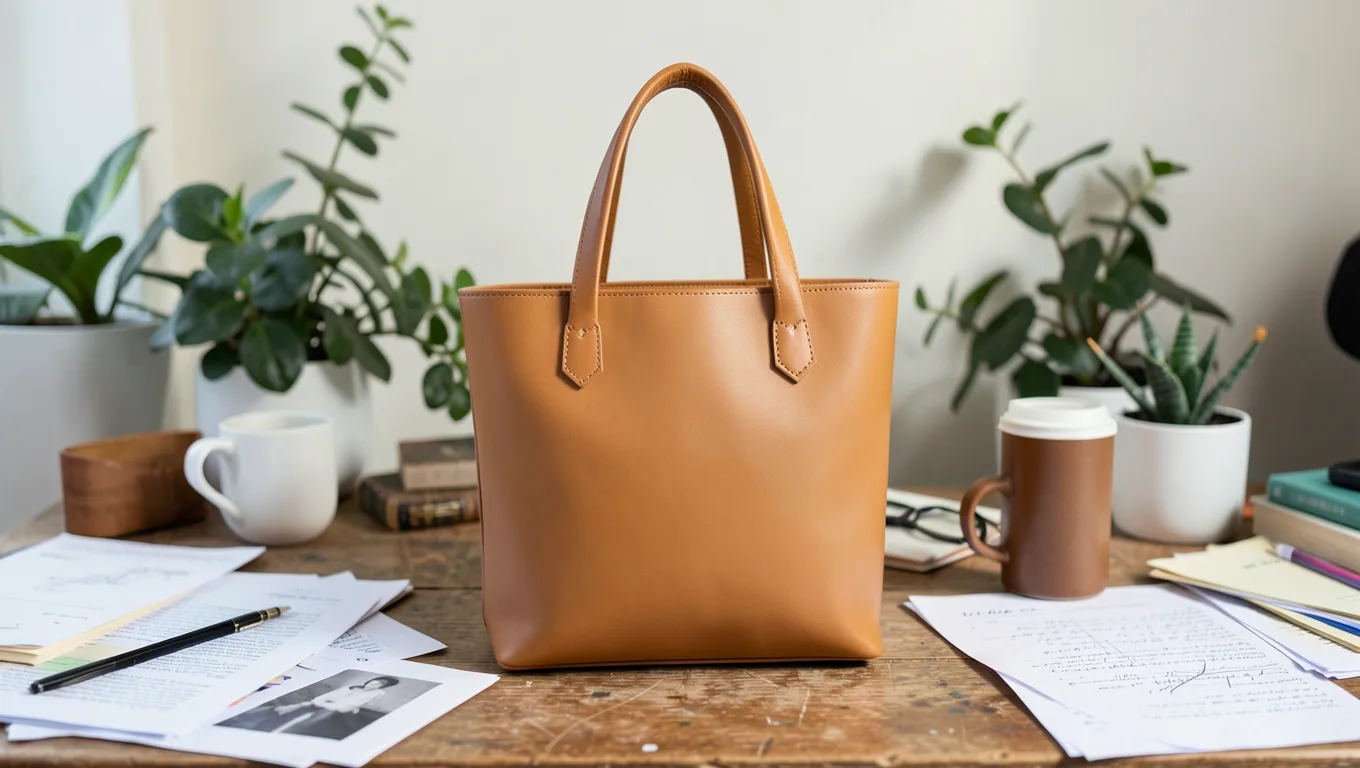
Take the photo anywhere, on a desk, a counter or the floor. ReplaceMyBG cuts the product out and places it on a clean studio, a brand colour or a scene described in words. The product itself is never redrawn, so what customers see is what they get.
Why “unchanged” matters for products
Many AI photo tools generate the whole image again. That can quietly change a logo, a stitch, a label or the exact colour of the item, which is a problem when the photo is meant to show what you sell.
ReplaceMyBG works differently. The AI only paints what is behind the product. Your original photo is then drawn back over it through the cut-out, so the product is pixel for pixel the one you shot.
Backgrounds for every listing
Pick what suits the shop or the platform:
- White or warm studio, for marketplaces that want a plain background.
- Any brand colour, picked from a palette or with a colour picker.
- Ready-made photos such as marble, wood, concrete or a living room.
- An AI scene from a short description, or from a photo of a place you like.
- A shadow under the product (drop, floor, cast or reflection), so it sits naturally.
Made for catalogues
Open several photos at once and switch between them. On the Pro plan, batch processing applies one background to up to 50 photos and downloads them as a ZIP. Everything is saved full size as PNG or JPG.
Questions
Does the AI change my product?
No. ReplaceMyBG cuts your subject out, lets the AI paint only the background, then puts your original pixels back on top. The shape, colours, logos, labels and text are exactly as you photographed them.
Can I get a pure white background for Amazon or Etsy?
Yes. Choose Photo, then White studio, or Colour and white. Save as JPG at full size.
What photo sizes work?
JPEG, PNG and WebP photos up to 16 megapixels. The result is saved at the full size of your original.
Can I process many product photos at once?
Yes, on the Pro plan: up to 50 photos with one background, downloaded together as a ZIP.
Change the background. Never the product.
Every approved account gets 5 cutouts and 1 AI scene free. It runs in the browser on your phone or computer.
Create a free accountMore ways to use it
- Car photosPut a car photographed on the street into a clean showroom or studio. The car stays exactly as it is: same paint, badges, wheels and plates.
- AI backgroundsDescribe a scene and AI paints it behind your subject. Unlike tools that redraw the whole image, your subject keeps its original pixels.
- Remove backgroundRemove the background from a photo and save a transparent PNG at full resolution. Clean edges down to single hairs, with a brush to touch up.
- HeadshotsTurn a photo taken anywhere into a clean headshot: plain colour, soft blur or a studio. Your face and clothes stay exactly as photographed.
- Video backgroundsRemove the background from a video up to 60 seconds: transparent, green screen, a colour, blur or a new backdrop. The subject is never redrawn.